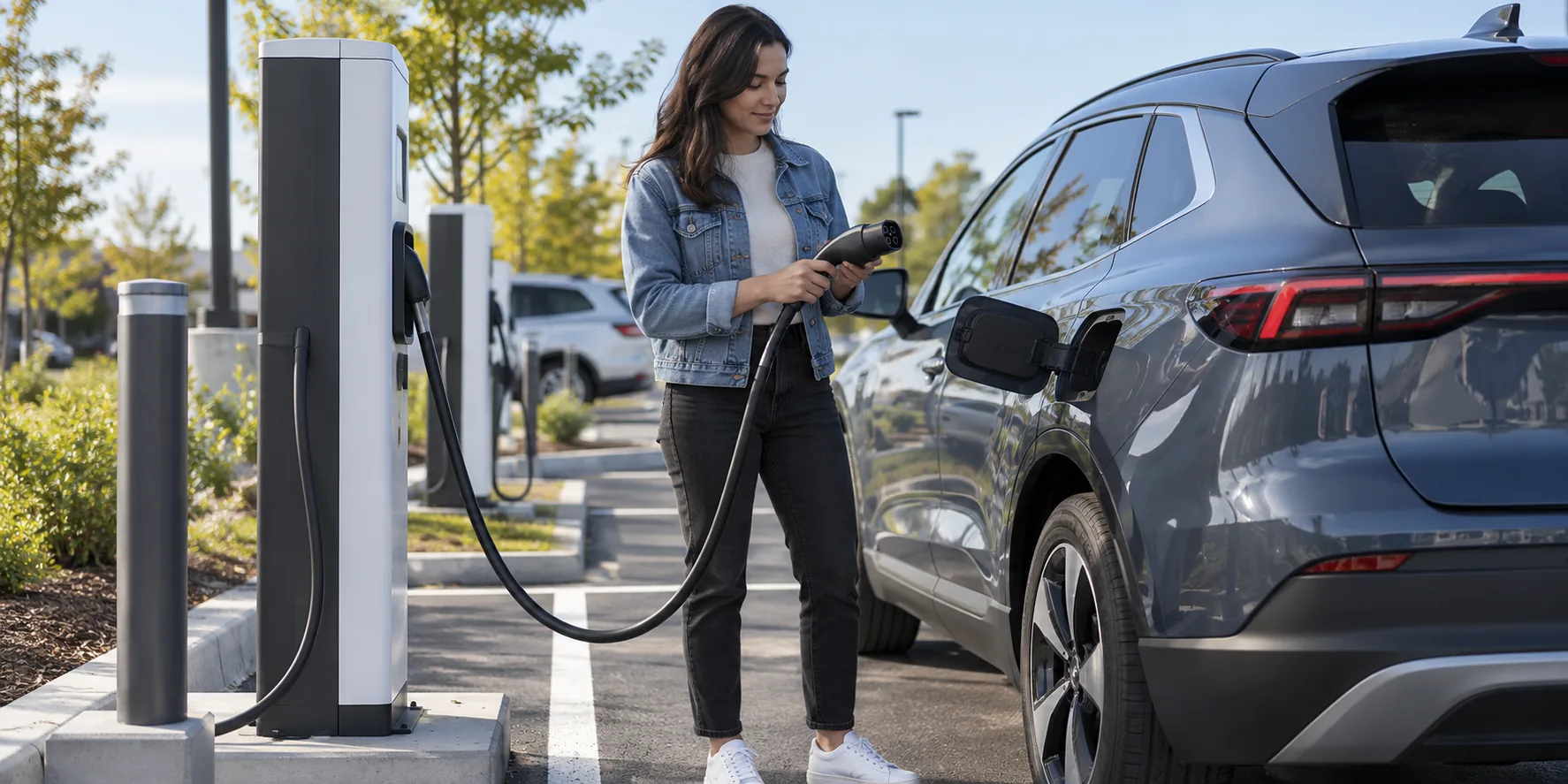
How to Use Public EV Charging Stations and Pay for a Session
To use a public EV charging station, find a compatible and available stall, check its displayed price and access method, park within cable reach, connect the correct plug, then start the session through the station, app, card or supported vehicle workflow. Confirm charging has begun before walking away. When you have enough energy, end the session as directed, unplug, return the cable and move the car.
Before you leave: find the right station
Use the vehicle’s route planner or a charging network map to filter by connector, charging level and availability. For a short stop, DC fast charging may be useful if the vehicle supports it; Level 2 fits longer parking. Confirm that the station is open to the public, that the car can use its connector or approved adapter, and that the cable can reach the charge port from the marked bay.
Connector access is a separate question from station power. A 350 kW label does not make a car charge at that rate. Our charger compatibility guide covers J1772, J3400, CCS and CHAdeMO. For road-trip power and taper, see the DC fast charging guide. Check a backup station when the route depends on one site.
At the station: inspect, park and connect
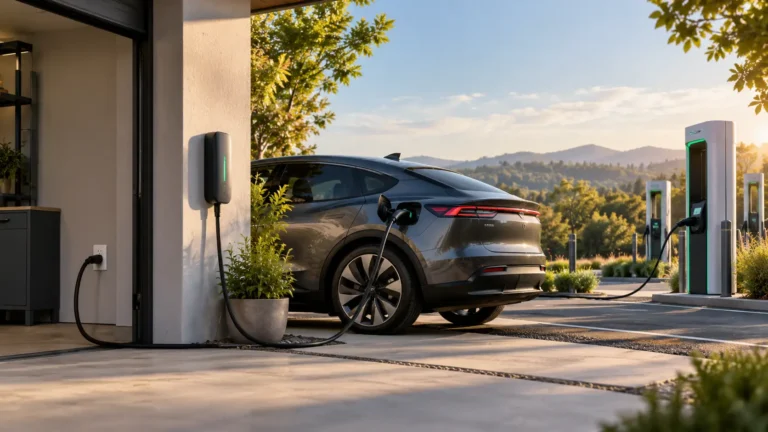
- Park in the marked charging bay without blocking another stall or accessible space. Position the vehicle so the cable reaches with comfortable slack.
- Read the stall’s connector, price and instructions. Do not use a damaged cable, connector or station.
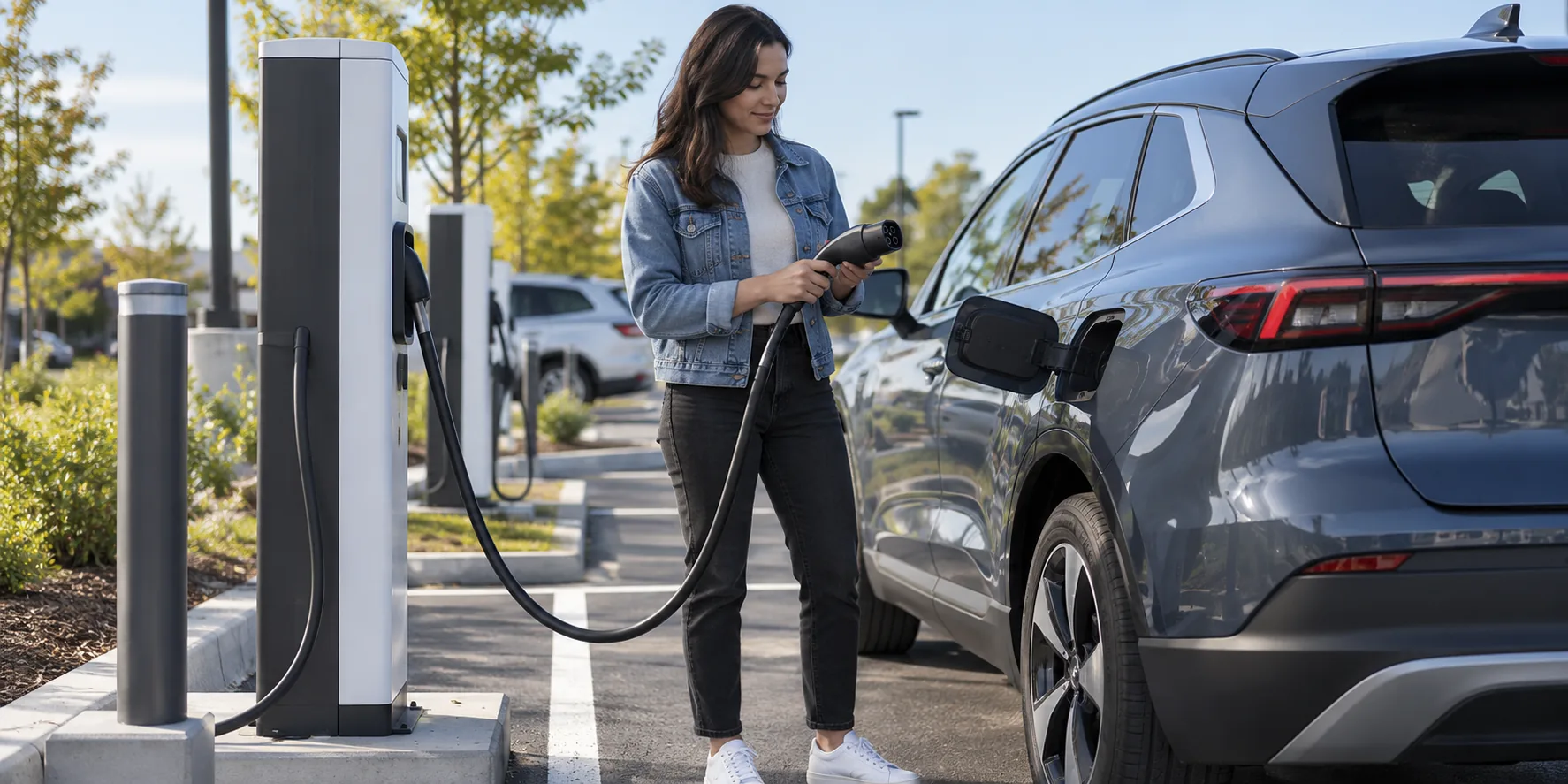
- Open the vehicle charge port. Use the compatible plug, or an adapter expressly approved for that vehicle and type of charging.
- Insert the connector firmly without force. Some operators ask you to authenticate before plugging in, while others ask you to plug in first. Follow that station’s screen or app.
Many stations have more than one cable or connector, but that does not mean both can serve separate cars at once. Select the correct stall or cable in the app. Do not move another driver’s cable or unplug their active session.
How do you pay for EV charging?
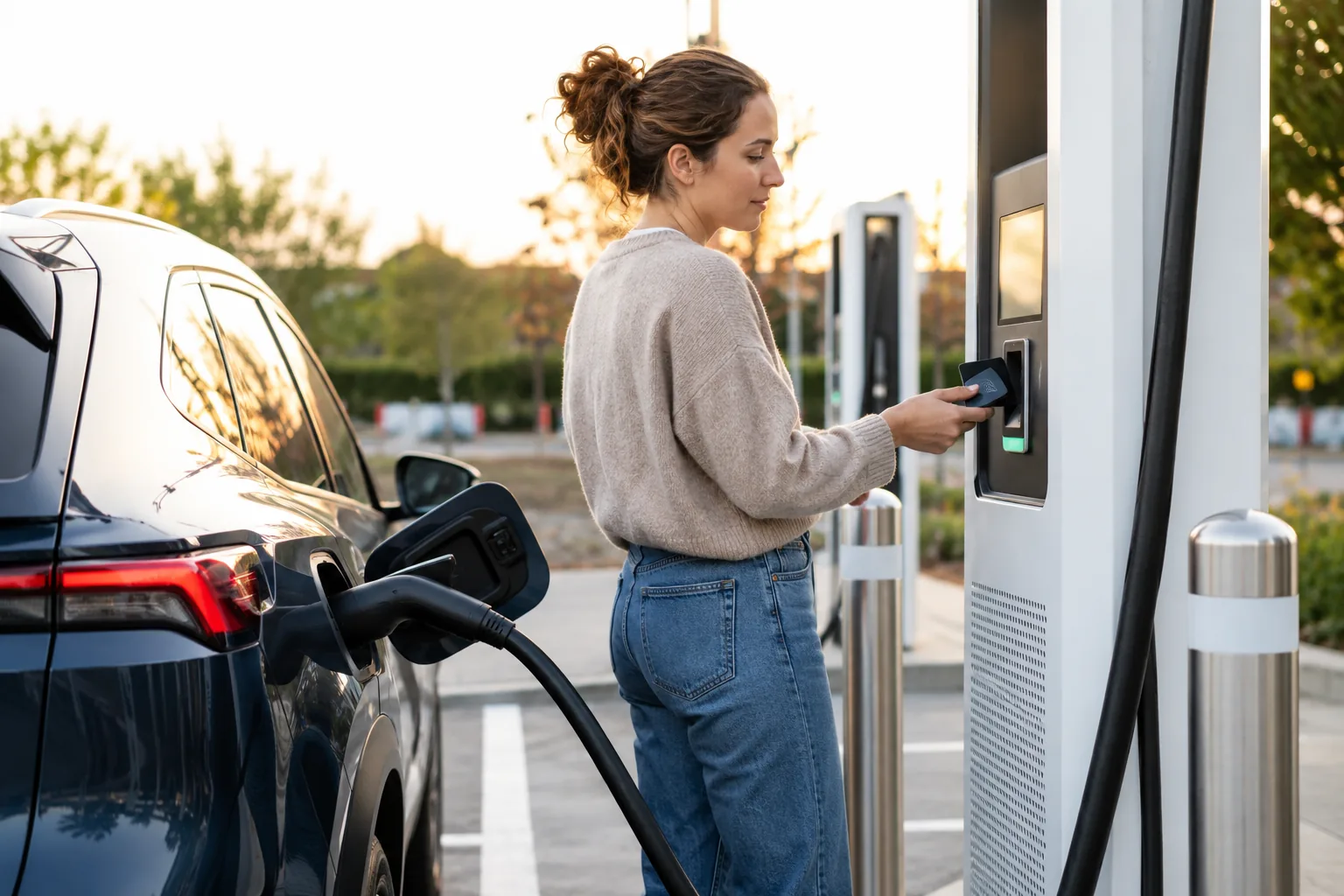
Payment varies by network and station. You may use an operator app with a saved card, an RFID account card, contactless card or wallet, a QR or web payment flow, a vehicle-linked account, or a membership. Some stations do not support every method. ChargePoint documents app, tap and RFID options at its stations; Electrify America describes its own app and payment workflow. These are examples of operator-specific instructions, not a promise that every public charger accepts a bank card.
Before starting, read the displayed rate and any idle, parking, session or tax charges. An authorization hold may appear temporarily on a card. If the screen asks for a stall ID, match it to the physical charger. Do not scan a damaged or suspiciously overlaid payment code; use the operator’s official app or displayed support number when uncertain.
Start the session and verify it actually works
After authentication and connection, the station and car should show charging in progress. Look for live power, energy delivered or an estimated completion time. A cable physically attached to the car is not proof that a session started. Give the handshake a moment and follow the station’s prompts. If a car’s own schedule prevents immediate charging, check the vehicle setting and the site instructions.
If the session fails, note the error message, check connector seating and account/payment status, then try a different working stall or the operator’s support channel. Do not force a damaged handle or repeatedly reset unfamiliar equipment. Charging speed may be lower than the station’s headline rating because the vehicle, state of charge, battery temperature or station limits differ.
While charging: watch the useful energy and fees
A Level 2 stop is often measured in hours; a DC fast charge is commonly a shorter trip stop, but times vary. Use the vehicle or network app to watch progress. DC rates often taper as the battery fills, so waiting for 100% may be inefficient unless the next leg requires it. Do not leave the vehicle occupying a charging bay after the session when others may need it, and check for idle or congestion fees.
The charging cost depends on the station and the amount of energy or time billed. Our charging cost guide covers the arithmetic and home/public differences. The price on your screen is the relevant current price for that session.
Stop, unplug and leave the bay
- Use the station, app or vehicle’s stop control as directed by the operator. Some equipment stops when you use the car’s release control, but follow its instructions.
- Wait for the connector to unlock. Do not pull against a locked handle.
- Return the cable to its holster so it is clear of the ground and traffic.
- Check the session receipt or app for kWh, duration and charges, then move the vehicle promptly.
If the handle remains locked, consult the vehicle and station instructions or contact operator support. An emergency release is model-specific and should be used only as the manufacturer directs. A failed session should be documented with stall ID, time and error so the operator can investigate.
A reliable public session is a sequence: compatible stall, valid payment, confirmed live charge, then a clean stop and receipt. Make that sequence a habit and the unfamiliar screens become much less stressful.
Sources
- U.S. DOE AFDC: Charging electric vehicles in public
- ChargePoint: Start and stop a public session
- Electrify America: How to charge and pay
Frequently asked questions
Why does the plug fit but charging not start?
The vehicle may not be authorized on that network, the payment method may have failed, the stall may be unavailable, or the car may be waiting for a scheduled start. Check the displayed error and the exact vehicle and station compatibility.
Why is a fast charger charging slowly?
The car controls how much it accepts, and charging typically changes with battery state and temperature. The station can also have a lower output or fault. Compare the live power with the vehicle’s expected curve rather than only the advertised peak.
Do I need an app every time?
No universal answer. Some stations offer card or contactless payment, while others use an app, RFID or vehicle account. Check the specific operator before you arrive, particularly on a long trip.